
A few days ago, my cousin reached me for help, she got into trouble with her phone and sounded worried. She cleaned up her gallery to free some space, and somewhere in that clean-up, a whole folder of her daughter’s first-year photos disappeared. There was no backup anywhere. She asked me, “Can I get them back?”
I promised her help and that turned into researching, testing, and a hunt for the best android data recovery tool. This blog discusses how to recover deleted files from an Android phone, and an Android data recovery tool that finally did the job without any big drama.
Why Losing Data on Android Feels So Bad
Phones hold your life, that’s much more than calls and texts these days. Birthday videos, work files, voice notes, and old chats all live in that one small device, and nobody plans to lose them. When something goes missing, that loss is unbearable.
Data can get lost due to various ways. Sometimes, one wrong press can delete a photo or files. A software update bug, or a cleaner app misbehave can remove important files, and sometimes a virus can make your phone go sick and you may lose your files without knowledge. Accidental deletion is the most common reason for file loss.
But, a file deletion on an Android phone isn’t permanent. The phone only marks that space as free, so new data can be saved there later. However, certain modern devices use file encryption or TRIM commands that can make file recovery harder on devices that may have lost files sometime ago.
That’s because the TRIM command gradually removes the deleted data from a device to free up space. Until that happens or until your deleted files get overwritten, the old data remains there in the storage. A reliable Android data recovery software can find it easily.
This is why one should stop using the phone as soon as something is lost.
Common Problem With Android Recovery Tools
My first search showed a long list of apps and programs. Many of them asked for root access. Rooting means opening up the deepest settings of the phone. It can end the warranty, and if something goes wrong, the phone may stop working, there is a high risk of a dead phone. My cousin’s phone was almost new, so I did not want to take that chance.
Some Android apps claimed to recover data directly from the device but I realised installing anything would only overwrite the deleted files. I tried a few desktop tools that made tall claims but found nothing and were already charging me money. I wanted a way to recover Android data without root, and a program that would let us see the found files first, and then decide.
Why I Picked Stellar Data Recovery for Android?
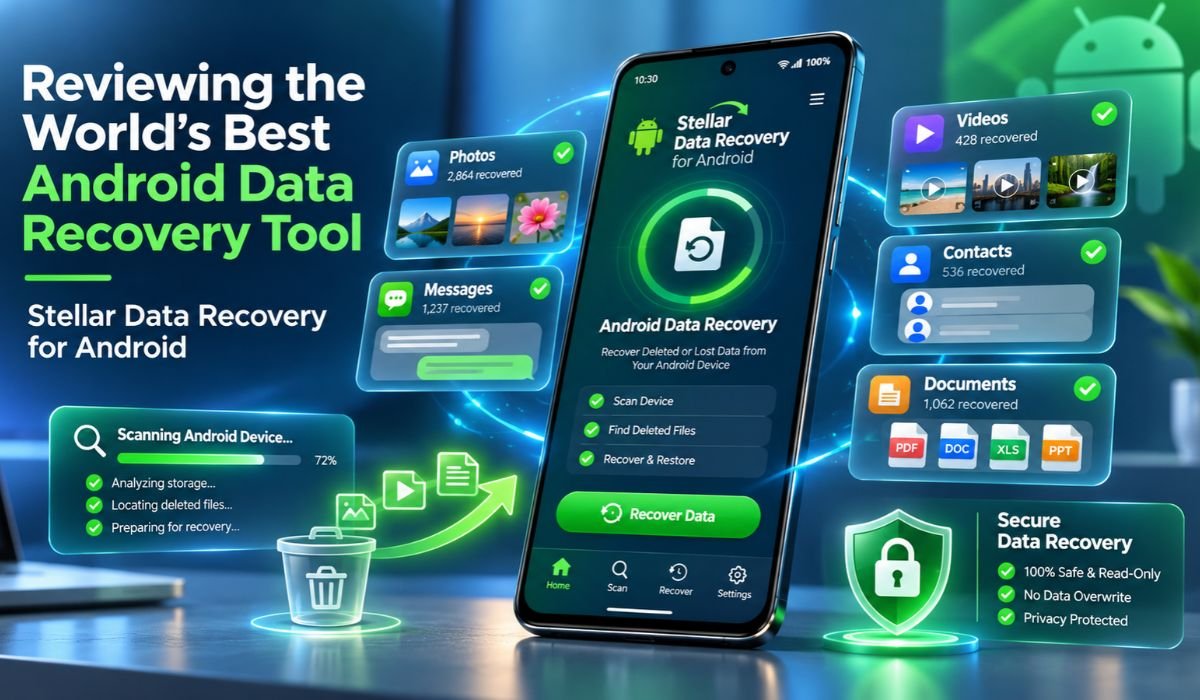
After a few failed tries, I came across Stellar Data Recovery for Android. It showed in multiple AI tools and search results as the best android data recovery software. Stellar’s Android recovery tool is a Windows based software that recovers data from the phone through a USB cable. The Stellar name was not new to recovery, so I decided to give it a go.
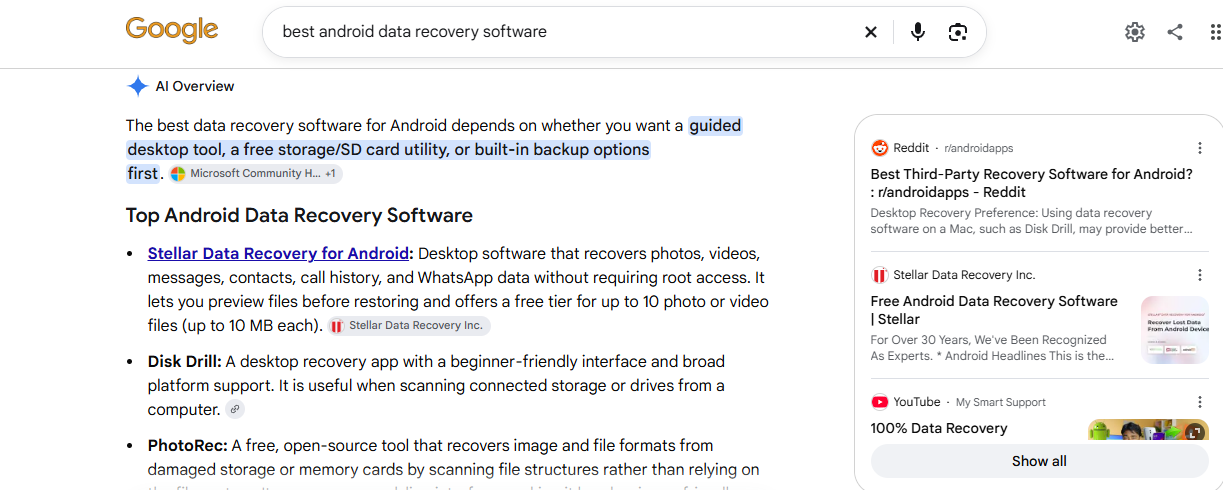
The software lets you recover deleted data from Android without root, so your phone does not need to be rooted at all. It only asks that USB Debugging be turned on, so the computer can read the phone. For me, it stated that no risky changes were required, and no worry about the warranty.
My Experience with Stellar’s Android Recovery Tool?
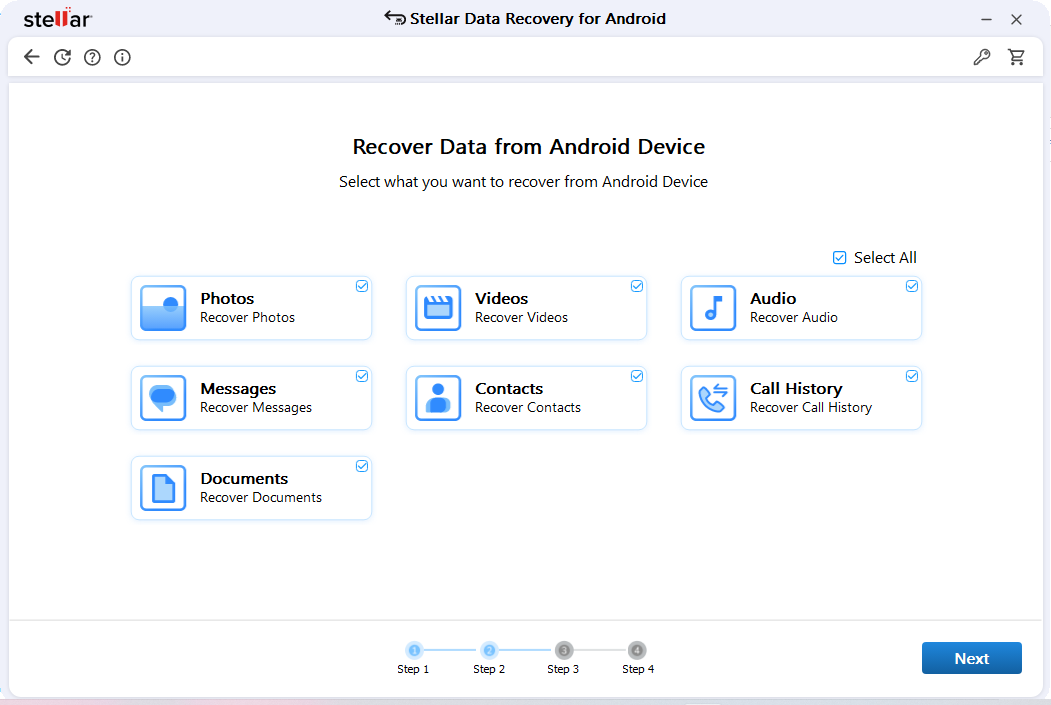
Software setup took less than a minute, I installed the Android data recovery software on a Windows laptop and opened it. Then I turned on USB Debugging on the phone, you will find the settings inside Developer Options in Settings, and plugged in the USB cable. The software asked what kind of files I wanted to look for, and I picked photos and videos, since those were the only things my cousin lost from her device.
The scan time depends on how much is stored on the phone and the storage capacity, so I just let it run and list the files. Once the scan completed, the recoverable android files showed up on screen, sorted by type. Clicking on any of them opened a preview. And there they were, the baby photos were visible now on the list as if nothing had ever happened. I was also able to save 10 photos for free without purchasing the paid license, that allowed me to check the image quality and recovery potential without paying upfront.
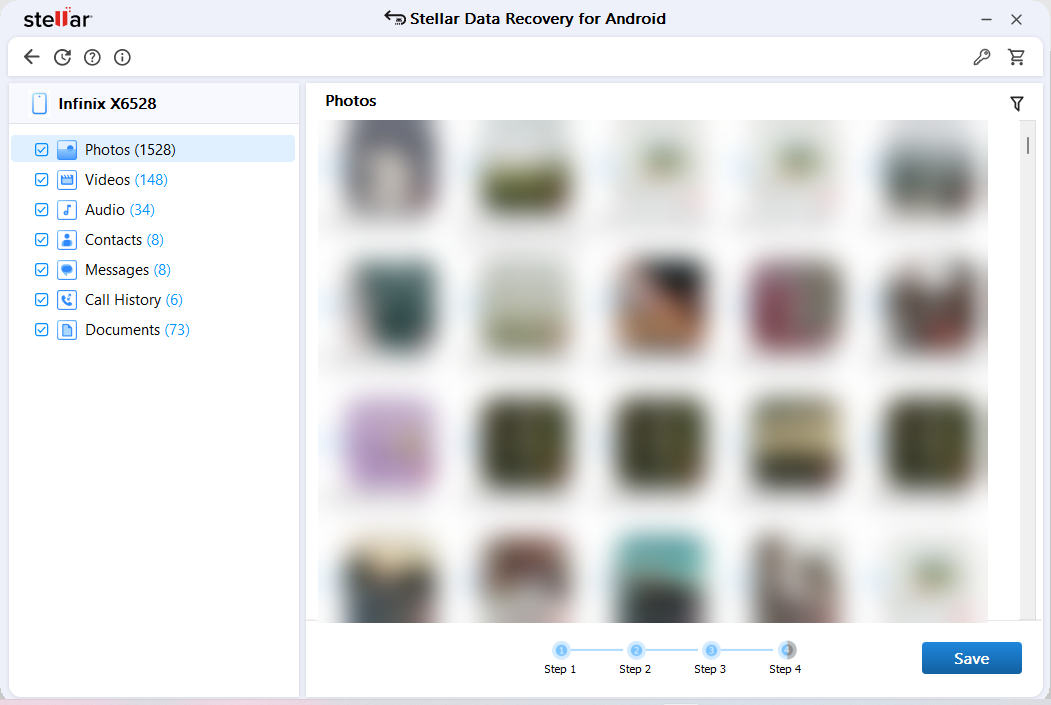
We chose the ones she needed, clicked Save, and picked a folder on the laptop. That was the whole job. My cousin was happy after getting back her priceless memories, and in high quality.
Why Is It the Best Android Recovery Tool?
The reason why it is the best Android recovery tool is, it works without root and recovers every file. The biggest USP of this tool – it keeps your phone safe from changes you may regret later.
Many kinds of data come back too, so you can recover deleted files on Android of almost any common type. Photos, videos, and audio files are covered, and so are contacts, call history, text messages, and documents like PDF and Word files. All without compromising on the quality.
WhatsApp is included as well. The software can recover deleted WhatsApp messages and media, and it can also pull them from a WhatsApp backup on Google Drive. You need to choose the correct module for recovery while operating the device.
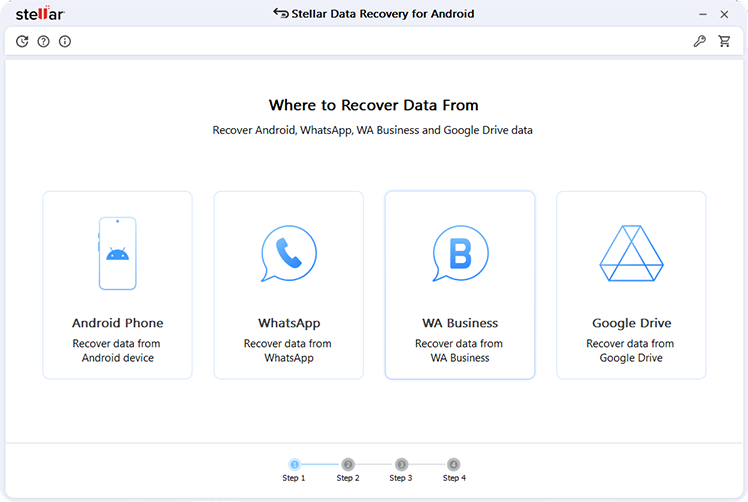
You can preview before you save. Nobody has to guess whether a file is the right one. You look at it first, and then you pick only what you want.
Also, it covers almost all smartphone brands Samsung, OPPO, Vivo, Xiaomi, OnePlus, and other popular makers. The software reads the internal memory of the phone, and does not require any special permission for that, except the necessary ones.
A free version is there to try. It lets you recover 10 photos and videos at no cost, so you can see how it works before buying anything. The paid plan removes that limit.
The steps are simple. Connect, scan, preview, and save. There is not much more to it, and my cousin, who is not a tech person, could follow along easily.
What to Do After You Lose Android Phone’s Data
First stop taking photos and downloading apps, as each new file can take the place of the lost one. Turn off any clean-up apps for now. After that, connect the phone to the program and run a scan as early as you can.
Looking for more ways to get deleted files back on Android, including some manual ones? An Android data recovery guide explains them well.
Final Words
My cousin now keeps a backup of her photos on her computer and in the cloud, and I do the same. A backup is still the best safety net, but if you ever find yourself in her place without one, there is no need to lose hope. Stellar Data Recovery for Android gave us back what we thought was gone, and it did so without touching the phone’s settings in any risky way. For anyone who wants a safe, simple, no-root way to recover Android data, it is the best overall tool I have used.










Leave a Reply